
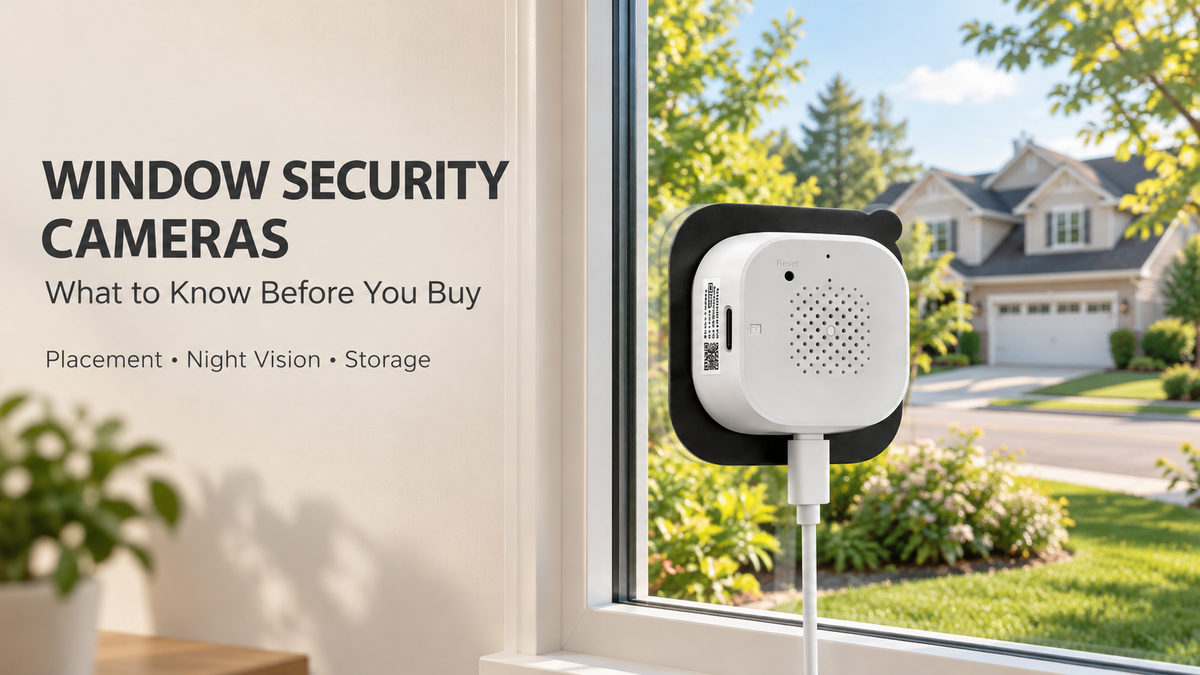
Want to keep an eye on your driveway or front yard without mounting a camera outside? A window security camera lets you monitor outdoor activity from inside your home. But choosing the right camera takes more than comparing video resolution. Window reflections, available light, Wi-Fi coverage, and recording options all affect the result.
Here is what to check before choosing a window camera, along with practical tips for finding a suitable installation spot.
1. Choose a Camera Designed for Window Use
When you point a camera through glass, indoor lights and objects can appear as reflections in the image. This can become especially noticeable after dark, when the room is brighter than the area outside.
Look for a camera specifically designed for indoor window mounting, with features intended to reduce reflections. The Aerzosty 2K Window Security Camera 2-Pack uses an anti-glare design and a peel-and-stick mounting system with a magnetic attachment, allowing installation without drilling into exterior walls.
An anti-glare design helps reduce reflections, but it does not eliminate every reflection in every window. Glass condition, room lighting, and camera placement still matter.
2. Check the View Before Attaching the Mount
Start by deciding what you want to see: the approach to your front door, a driveway, or activity in the front yard. Then test the camera at a window that provides a clear view of that area.
- Clean the glass before testing the image.
- Keep curtains, blinds, and window frames out of the view.
- Avoid pointing the camera toward indoor lamps or bright screens.
- Check that the power cable can reach safely without being pinched.
- Test both daytime and nighttime viewing before fixing the mount.
A two-camera pack gives you the option to cover two different window views. For example, one camera could face the driveway while the other overlooks a separate entrance, depending on your home's layout.
3. Look Beyond the Resolution Label
Resolution is useful when comparing cameras, but it is only part of image quality. Lighting, viewing distance, and the glass between the lens and the scene also influence what you can see.
The Aerzosty W5 records at 2304 × 1296 resolution, approximately 3 megapixels. When testing your installation, check the details that matter to you at their actual distance rather than assuming that a resolution label guarantees readable faces or license plates.
4. Understand Color Night Vision
Nighttime performance deserves a separate check. The Aerzosty W5 combines an F1.0 aperture lens with color night vision for low-light viewing. Results still depend on the light available outside, the condition of the window, and reflections from inside.
Test the camera after sunset with your normal outdoor lighting. If you see room reflections, try turning off nearby indoor lights or adjusting the position according to the installation instructions. Color night vision should not be treated as a promise of a clear color image in complete darkness.
5. Check Wi-Fi Coverage at the Window
Test the connection where you intend to install the camera, rather than only beside your router. A convenient window location is less useful if the live view cannot stay connected.
The Aerzosty W5 supports 2.4GHz and 5GHz Wi-Fi 6, with Bluetooth Low Energy assisting the pairing process. Try the supported network that provides the most reliable connection at your chosen position, and follow the product instructions during setup.
6. Decide How You Want to Store Footage
Live viewing and recorded footage serve different needs. If you want to review activity later, check the storage requirements before installing your cameras.
- Local storage: The Aerzosty W5 supports a microSD card up to 256GB per camera. Cards are sold separately.
- Continuous recording: 24/7 local recording requires power and suitable storage.
- Cloud storage: Optional cloud storage requires a subscription.
Available recording history varies with storage capacity and recording settings. Check that recording and playback work as expected before relying on the setup.
7. Set Up Alerts for Your Surroundings
The Aerzosty W5 supports motion, human, vehicle, and sound detection, with phone alerts and remote live viewing. After installation, review the available notification settings and test them against normal activity around your home.
Remember that the camera is indoors. Sound detection and two-way audio should not be assumed to work through a closed window as they would with a camera installed outside.
Is a Window Security Camera Right for You?
A window camera is worth considering when you have a suitable indoor window, nearby power, reliable Wi-Fi, and a clear view of the area you want to monitor. If the view is blocked or reflections remain difficult to manage, a camera designed for outdoor installation may better suit the location.
For an indoor-mounted option, explore the Aerzosty 2K Window Security Camera 2-Pack. It combines two window-mounted cameras with 3MP video, dual-band Wi-Fi 6, color night vision, and flexible recording options.
Have a question about your setup? Email support@aerzosty.com with details of your window and the area you want to view.

Leave a comment
This site is protected by hCaptcha and the hCaptcha Privacy Policy and Terms of Service apply.